By
Mia Torres
Content Strategist, Foxy AI Academy
By Mia Torres, Content Strategist · Last updated May 2026 · 12 min read
Most AI photo tools can make a stunning image of a person. Very few can make a stunning image of you. That gap is the whole problem. You upload a few selfies, the tool hands back someone with your general vibe and a stranger's face, and you are back to a real photo shoot. The good news: making AI photos of yourself that genuinely look like you is a solved problem in 2026, as long as you understand why the generic tools fail and what to use instead. This guide breaks down exactly how to get AI pictures of yourself that you would actually post.
Want AI photos that are unmistakably you? Foxy builds your AI twin from a few photos, then generates ultra-realistic images of you in any setting. See how it works
What you'll learn
Why most AI photo generators do not actually look like you
The fix: an AI model built on your real likeness, not a generic one
How to choose source photos that produce an accurate AI twin
What you can generate once your twin is built
How to keep a consistent look across a whole feed or profile
How to pick the keepers from a batch of generations
The common mistakes that make AI photos of yourself look off
Key takeaways
Generic AI image generators are built to make a person, not you. That is why the face drifts.
The reliable approach is an AI twin: a model built from your own photos that preserves your likeness across every generation.
Source photo quality decides everything. Clear, varied, well-lit photos in, accurate twin out.
Once your twin exists, you can generate yourself in any outfit, setting, or scenario without another shoot.
Consistency is the real unlock. A cohesive set of AI photos of yourself reads as a polished personal brand, not a gimmick.
AI photos of yourself, at a glance
Question | Short answer |
|---|---|
Why do generic tools fail? | They generate a generic person, not your specific face |
What works instead? | An AI twin trained on your own photos |
How many source photos? | A few clear, varied photos is enough to start |
How long to set up? | Usually under 10 minutes |
What can you make? | Photos and videos of yourself in any setting, outfit, or pose |
What does it cost? | Plans from $29 a month, far less than a photo shoot |
Why most AI photo tools do not actually look like you
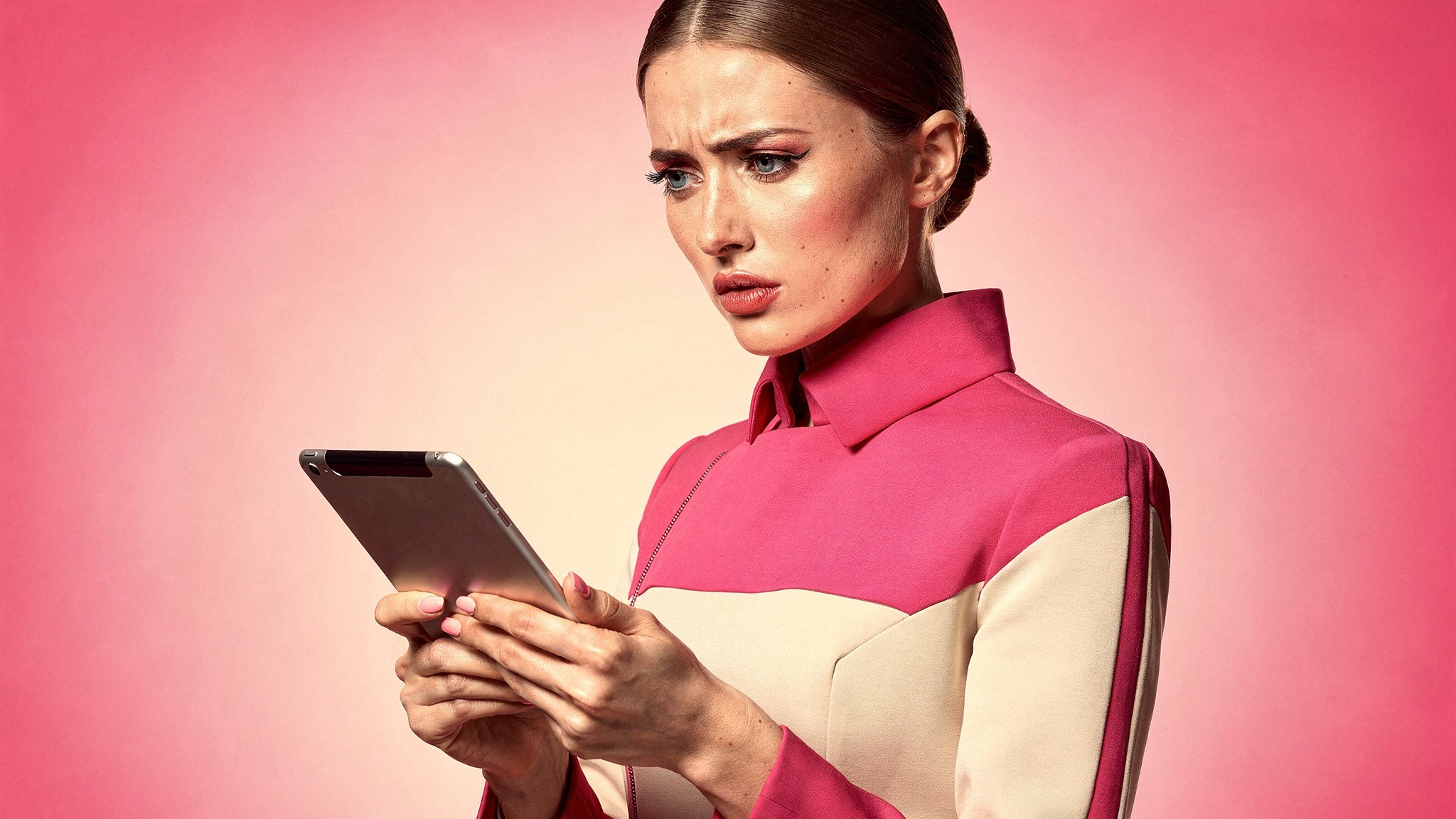
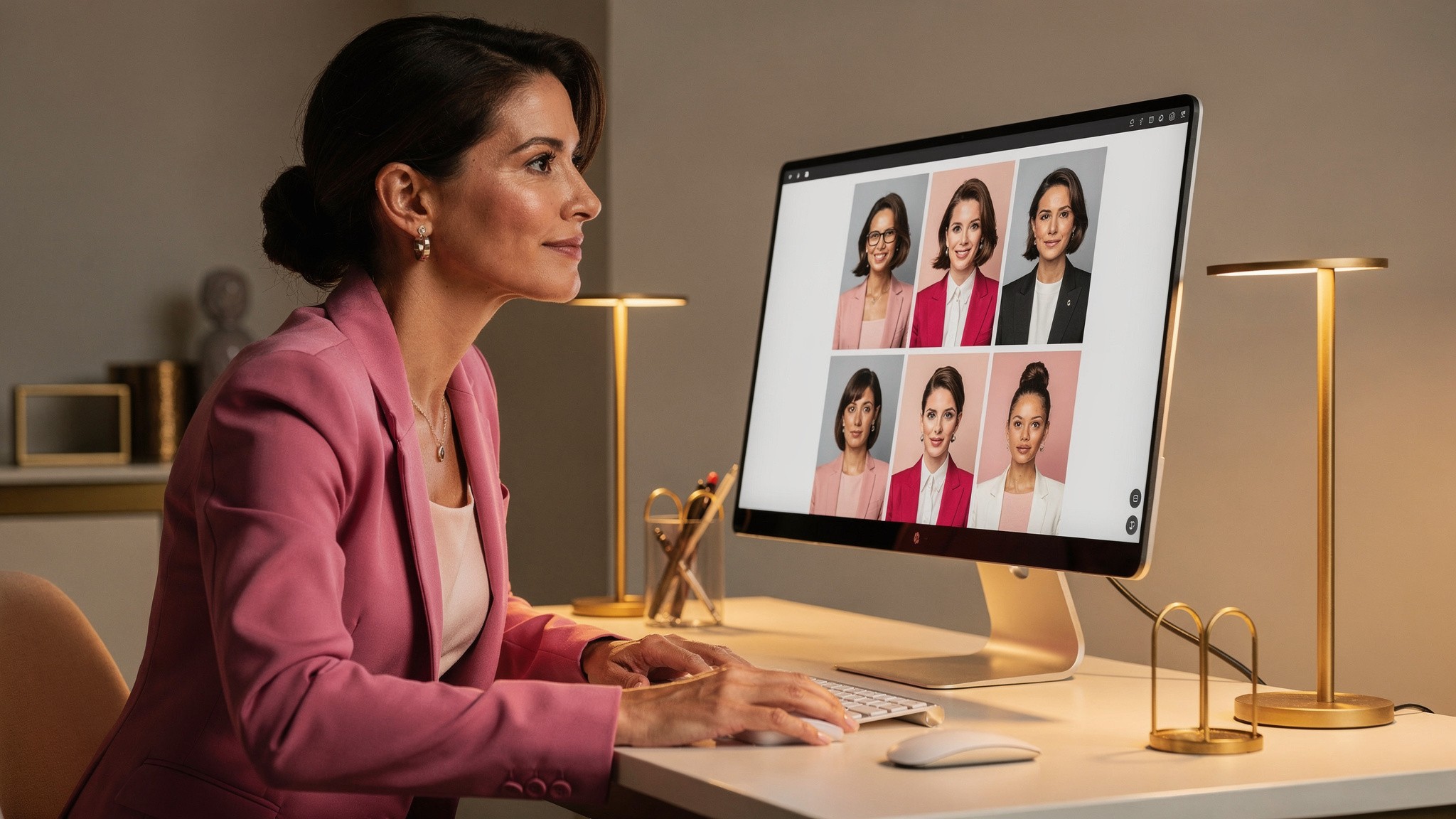
Generic AI generators are built to produce a convincing person, not a convincing you. The result looks great and feels like a stranger.
Here is the thing nobody tells you when you first try an AI photo app: most of them were never designed to recreate a specific person. They were designed to generate a beautiful, plausible human. When you feed in a few selfies, the tool treats them as loose inspiration, not as a target to match. You get back something in the neighborhood of your face. Close enough to feel uncanny, far enough to be unpostable.
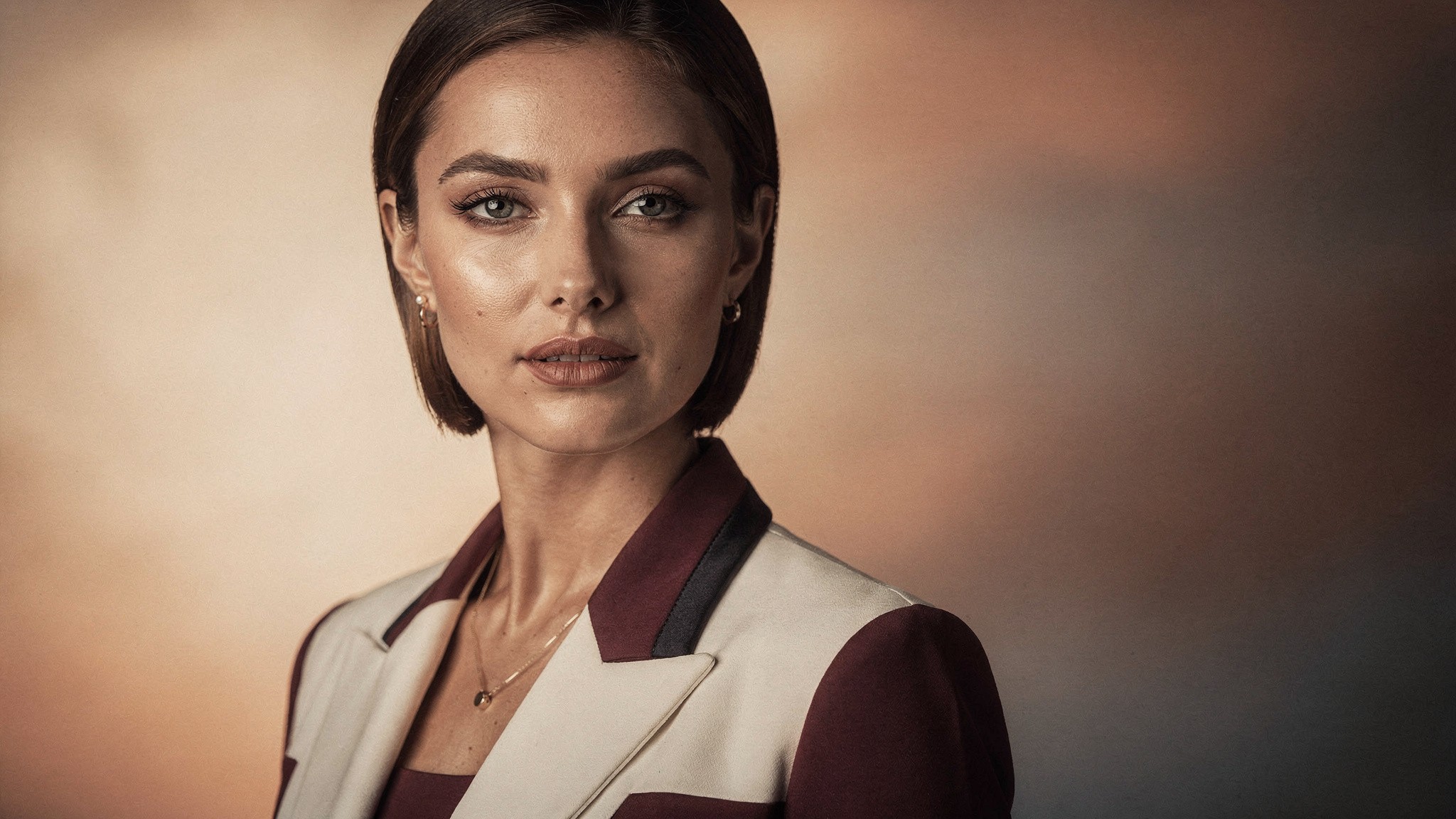
The 2026 generation of image models is genuinely excellent at realism. Skin texture, lighting, hair, all of it has moved past the uncanny-valley era. But realism is not the same as likeness. A photo can be flawlessly realistic and still be a different person. For AI photos of yourself, likeness is the only metric that matters, and it is the one generic tools quietly skip.
Pro tip: Before you trust any AI photo tool, generate a tight head-and-shoulders portrait and put it next to a real photo of yourself. If a friend cannot tell it is you at a glance, the tool is generating a generic person and no amount of prompting will fix it.
The fix: an AI model built on your real likeness
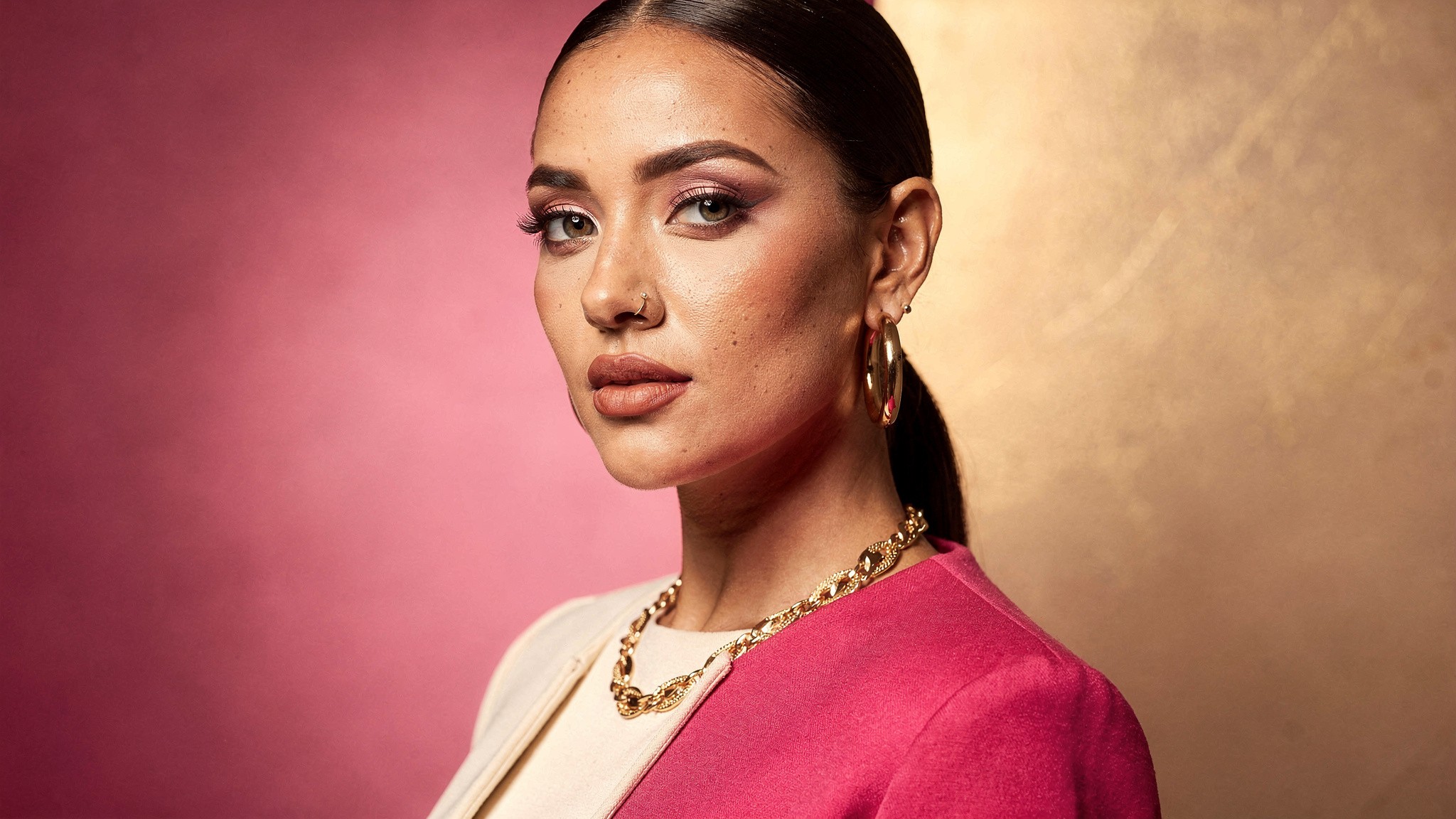
An AI twin is built around your specific face. Every generation starts from you, so the likeness holds.
The reliable way to make AI photos of yourself is to stop using a generic generator and start with a model built around your likeness. This is what an AI twin is. You upload a small set of photos of yourself, the system builds a model of your face and features specifically, and from then on every image it generates starts from you. The likeness is the foundation, not an afterthought.
This is a different category of tool. A generic generator asks "make a person who looks a bit like this." An AI twin asks "generate this exact person, in a new setting." That single shift is the difference between AI pictures of yourself that look like a stranger and ones that look like a photo you forgot you took.
Realism plus likeness is the bar, and it is the entire reason Foxy exists. The product is built specifically for the highest likeness to the real person, which is the metric that actually decides whether you can post the result. If you want the wider context on where AI photo tools fit alongside everything else, our roundup of the best AI tools for creators covers the full landscape.
Build your AI twin in under 10 minutes. Upload a few photos you already have, and start generating ultra-realistic images of yourself. Try Foxy
How to get source photos that produce a great twin
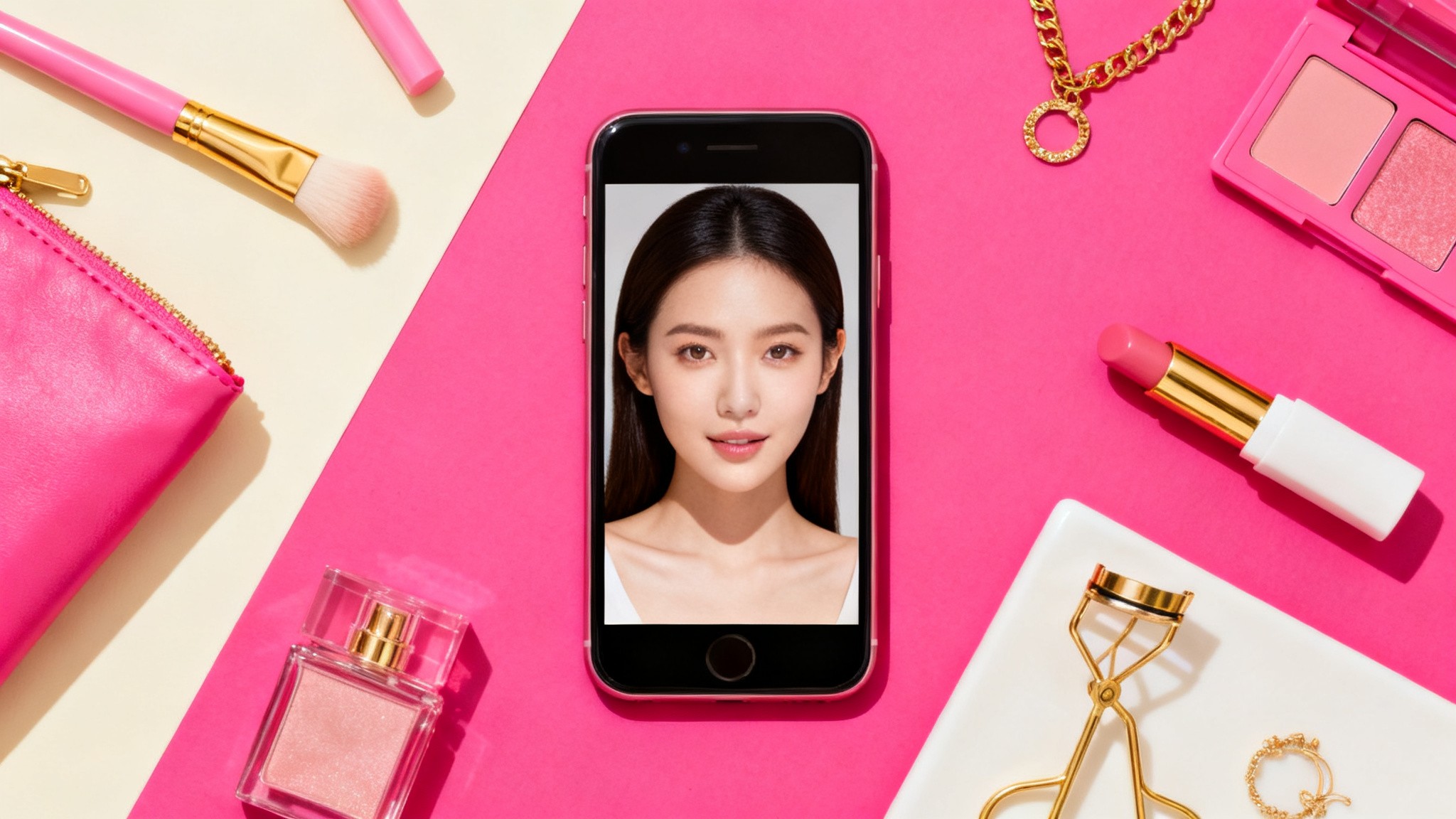
Source photos are the input that decides the output. Clear, varied, well-lit photos produce an accurate twin.
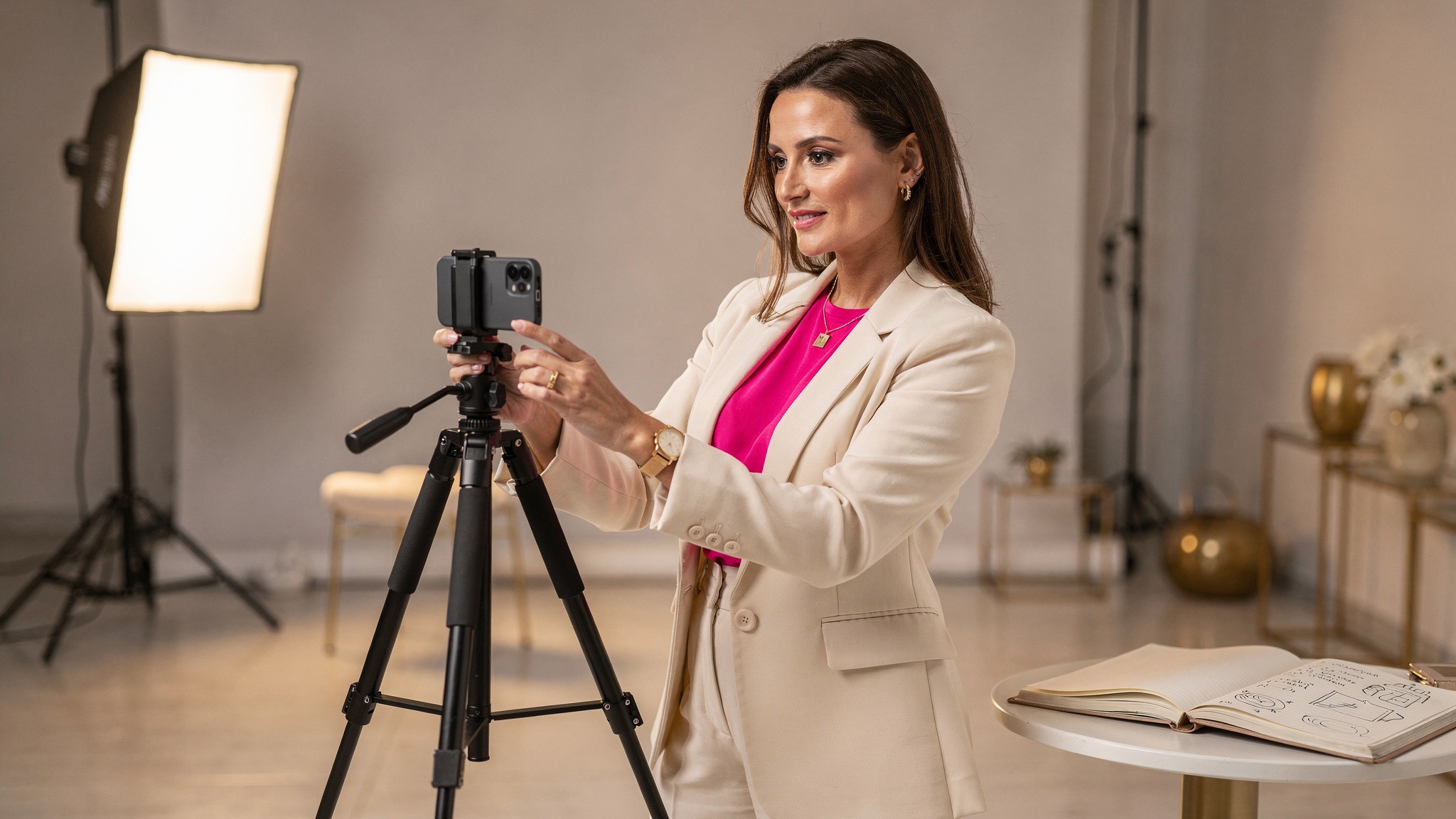
Your AI twin is only as accurate as the photos you build it from. You do not need a professional shoot. You do need the right kind of casual photos. Here is what produces a strong twin:
Clear and in focus. Blurry or low-resolution photos give the model less to work with.
Good, even lighting. Natural daylight is ideal. Avoid heavy shadows across your face.
Variety. A few different angles, a couple of expressions, different days. Variety teaches the model what is constant about your face versus what changes.
Your face unobstructed. Skip sunglasses, heavy filters, and anything covering your features in the source set.
Recent. Photos that reflect how you look now, not five years ago.
The whole upload step takes minutes. You almost certainly have everything you need in your camera roll already. The setup is closer to five minutes than ten, and the system does significant processing behind the scenes to get the quality right.
Pro tip: Avoid using heavily filtered photos as source material. If every source image already has a beauty filter baked in, your twin learns the filtered version, and your AI photos will look subtly artificial in a way you cannot prompt your way out of.
What you can actually generate once your twin is built
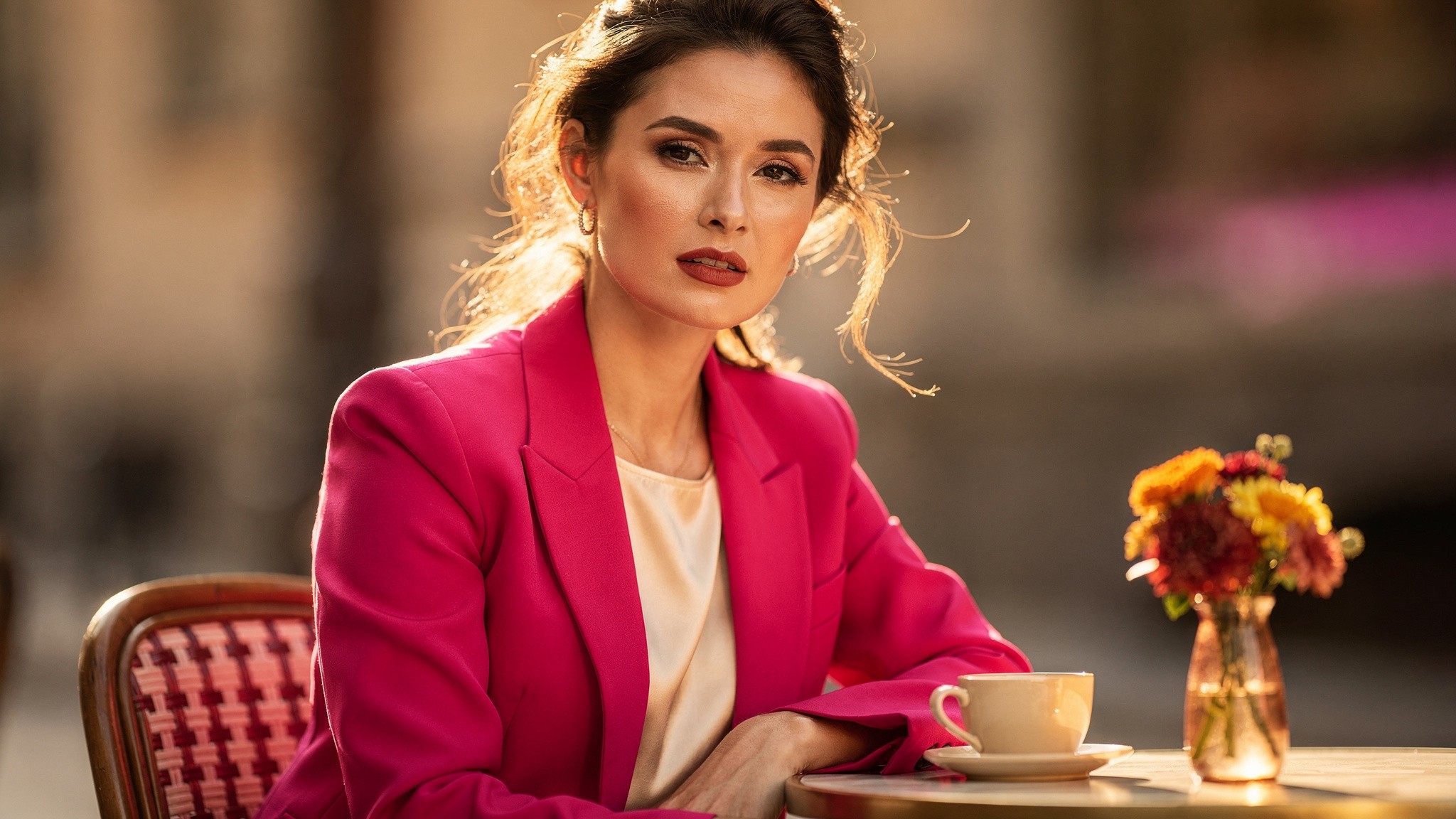
Once your twin exists, the constraint is your imagination, not your calendar or your location.
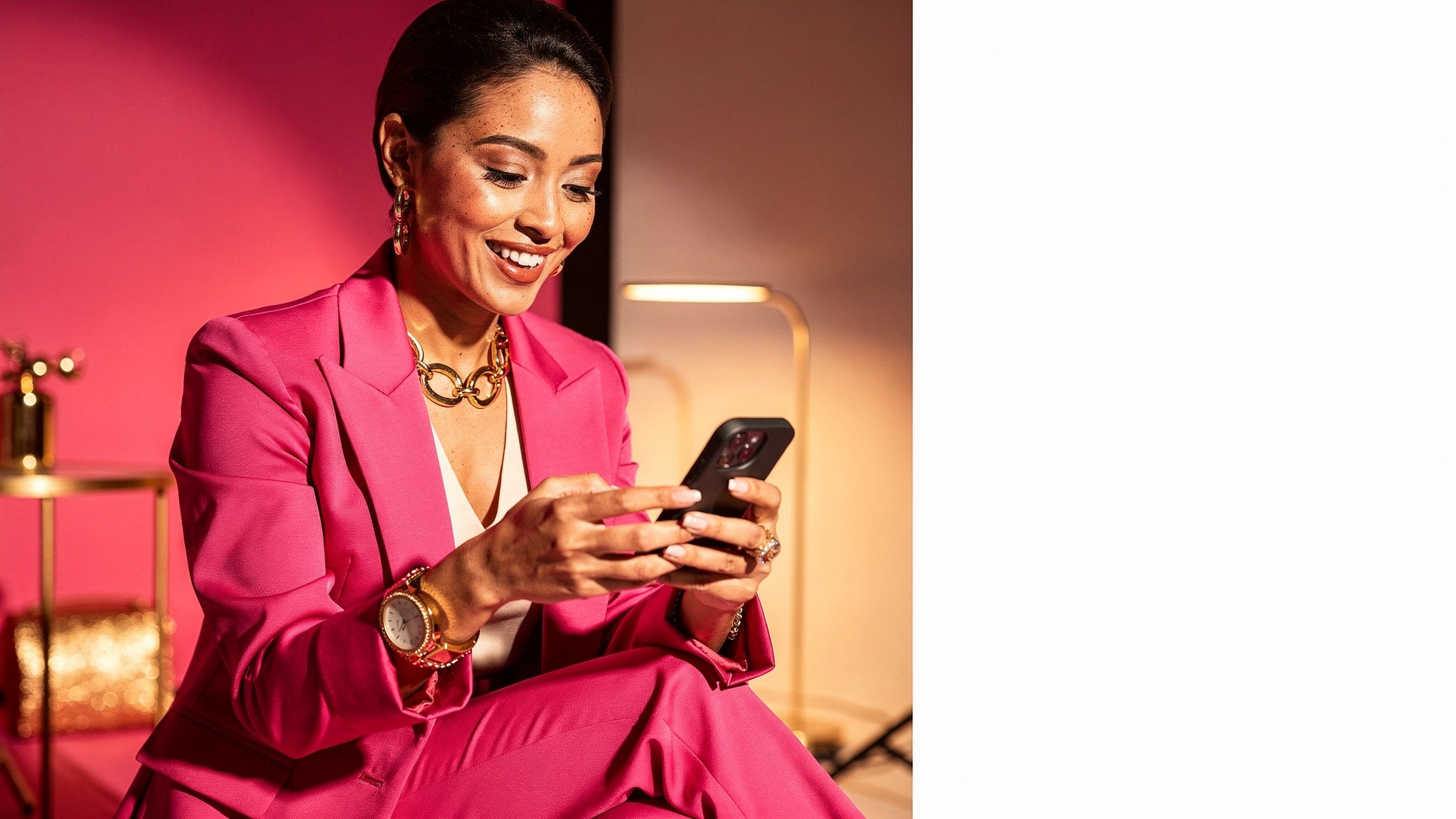
This is where it gets useful. Once your twin exists, you can generate photos of yourself in essentially any context without leaving your desk:
Different outfits and styles you do not own
Locations you are not in, from a city street to a studio backdrop
Seasonal content months before the season
Professional looks for one platform and casual looks for another
Consistent content for a launch, a campaign, or a full month of posts
And it is not only photos. The same twin powers ultra-realistic AI images and AI videos and Reels, so a single setup covers both formats you need for social. For creators specifically, this is what makes a real posting cadence sustainable. If you have read our Instagram growth playbook, you know production volume is usually the bottleneck. AI photos of yourself remove it.
Keeping a consistent look across a whole feed
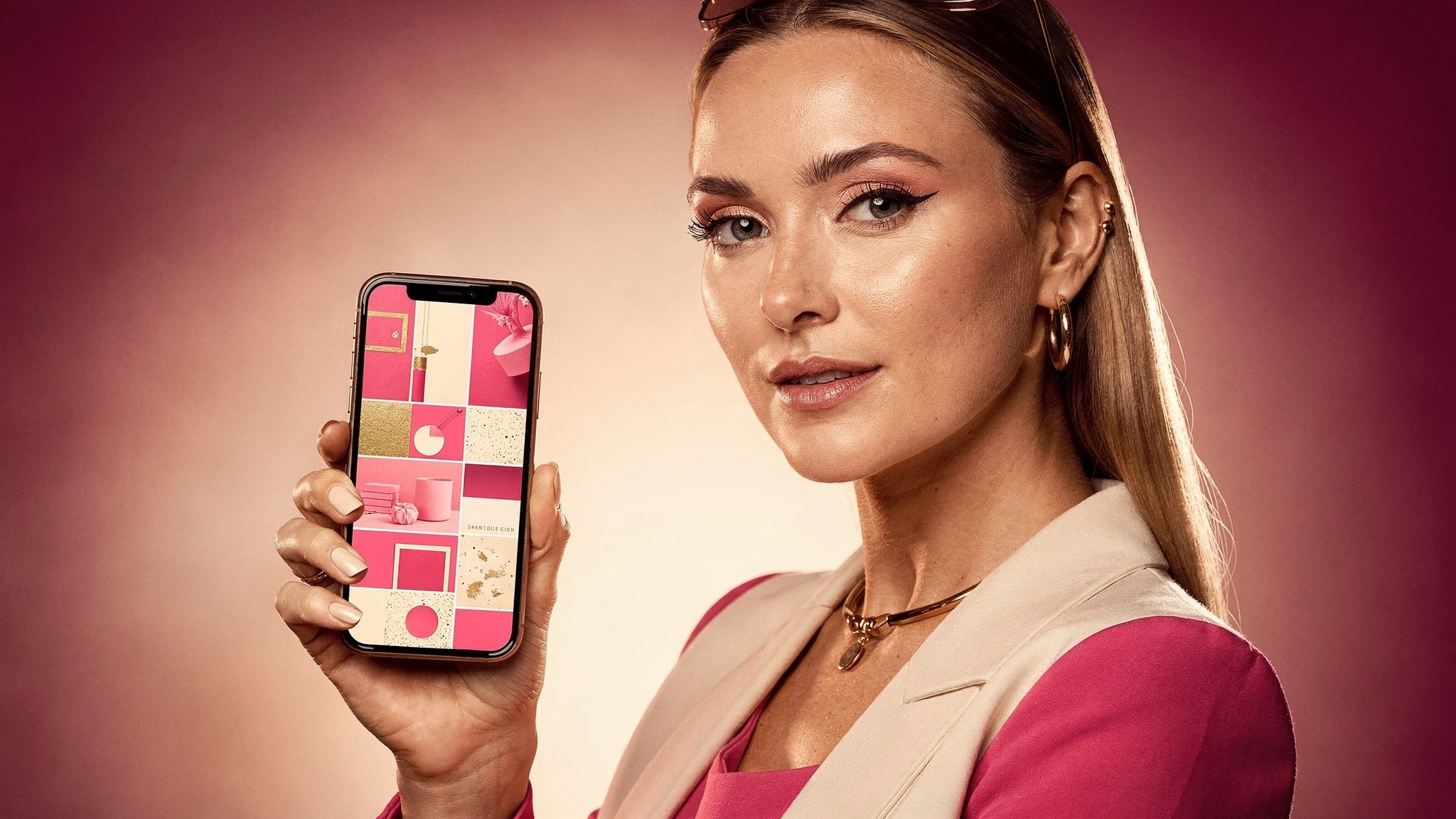
A cohesive set of AI photos reads as a polished personal brand. A scattered one reads as a gimmick.
One striking AI photo of yourself is a novelty. Twenty that look like the same person, shot in the same world, is a brand. Consistency is what turns AI pictures of yourself into something that actually builds your presence.
Because the twin is the constant, you control the variables: lighting mood, color palette, setting, styling. Pick a look and apply it across a batch. The result is a feed that feels intentional. While you are at it, get the technical details right so nothing gets cropped. Our complete Instagram post sizes guide and the Instagram aspect ratio guide cover the exact dimensions, and if video is part of your mix, check the Instagram Reel length limits too.
How to pick the keepers
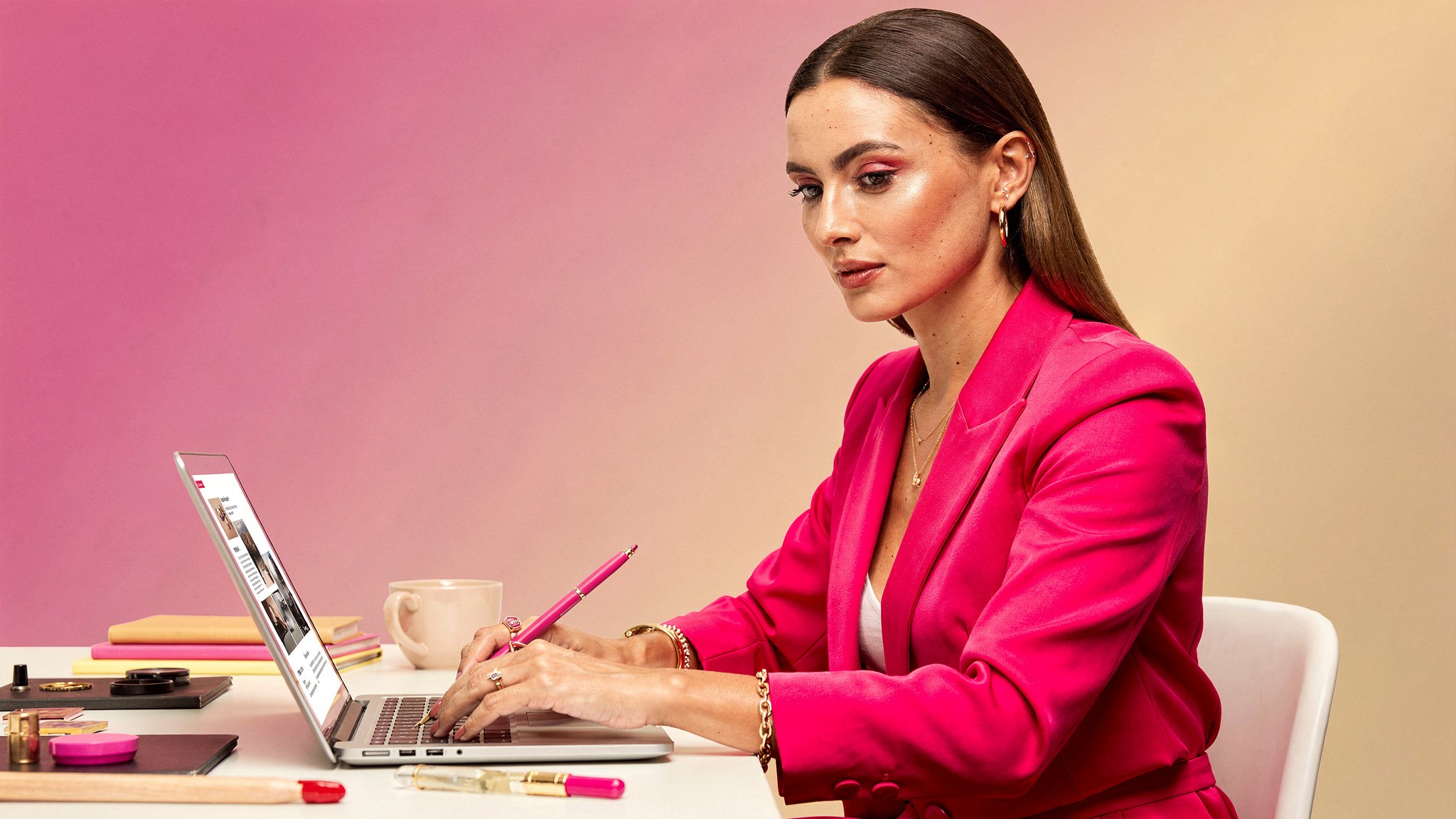
Generation is fast. The skill is curation. Be picky, because the bar is "looks like a photo I took."
When you generate AI photos of yourself, you will get a batch, and not every frame is a keeper. That is normal and it is fine, because generating more is cheap and fast. The skill is curation. Run each candidate through three checks:
Likeness. Is this unmistakably you? If you hesitate, cut it.
Hands and details. Glance at hands, jewelry, and background text. These are where small artifacts hide.
Believability. Does the lighting and setting hold together? Would someone scrolling assume it is a real photo?
If an image fails any check, regenerate. The cost of another batch is near nothing, so there is no reason to post a borderline frame. Being picky here is what keeps the quality bar high.
Pro tip: Generate more than you need and keep a "best of" folder. A running library of approved AI photos of yourself means you are never scrambling on a posting day, and you can spot which styles consistently work.
Who this is for: real use cases
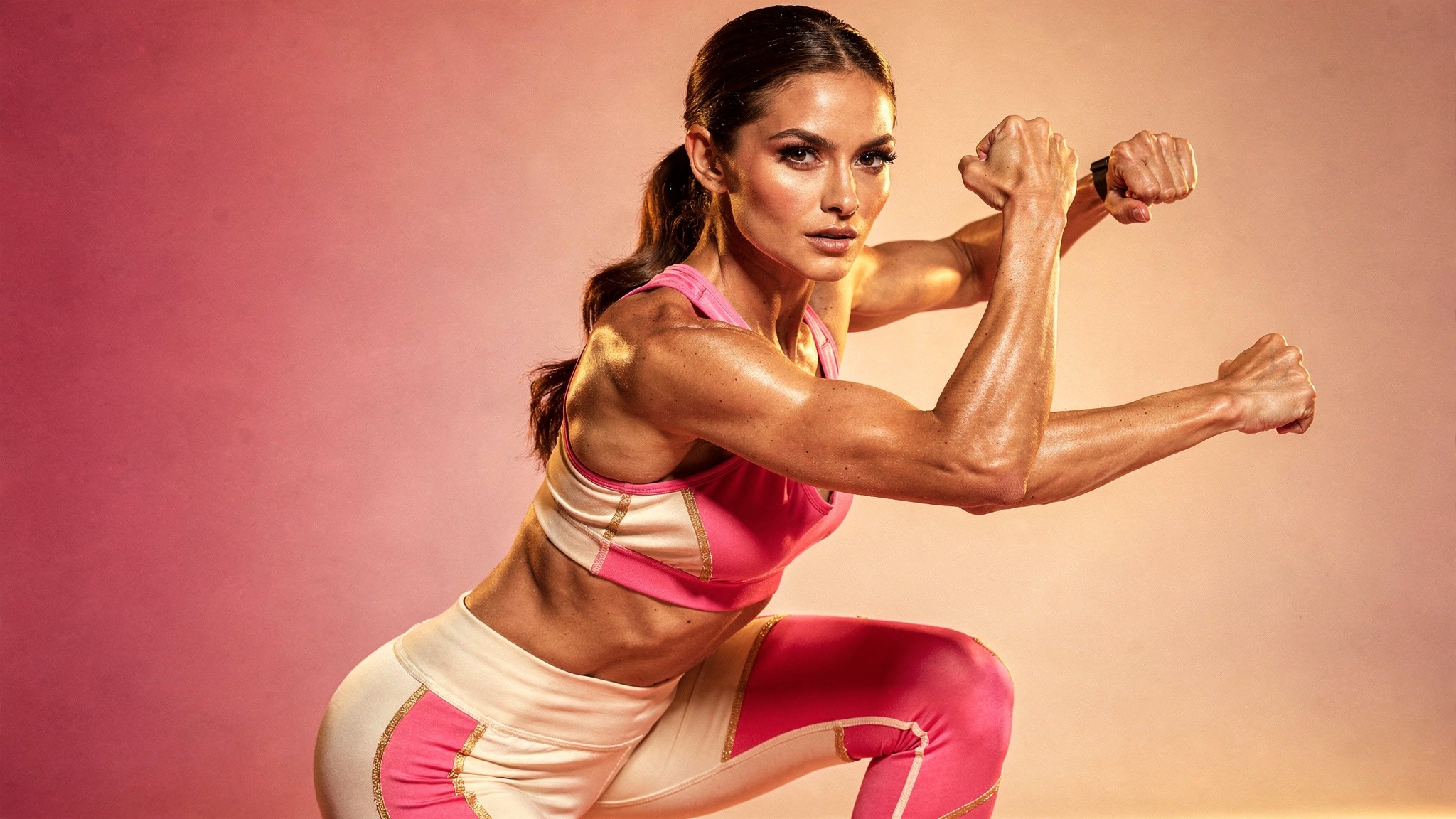
From content creators to professionals who just want a better profile photo, the use cases are wide.
Making AI photos of yourself is not only for full-time creators. The practical use cases are broad:
Content creators keeping a consistent posting cadence on Instagram and TikTok without daily shoots, across fashion, fitness, beauty, lifestyle, and travel
Professionals who want a polished, current profile photo for LinkedIn or a personal site without booking a photographer
Small business owners producing on-brand imagery of themselves for marketing
Anyone who wants better photos of themselves than their camera roll currently holds
The common thread is that all of these used to require time, money, and a photographer. An AI twin replaces the shoot, not your face. For creators weighing where this fits in their overall toolkit, it pairs naturally with everything in our guide to getting more Instagram views and how many followers you need to make money on Instagram.
Common mistakes that make AI photos of yourself look off
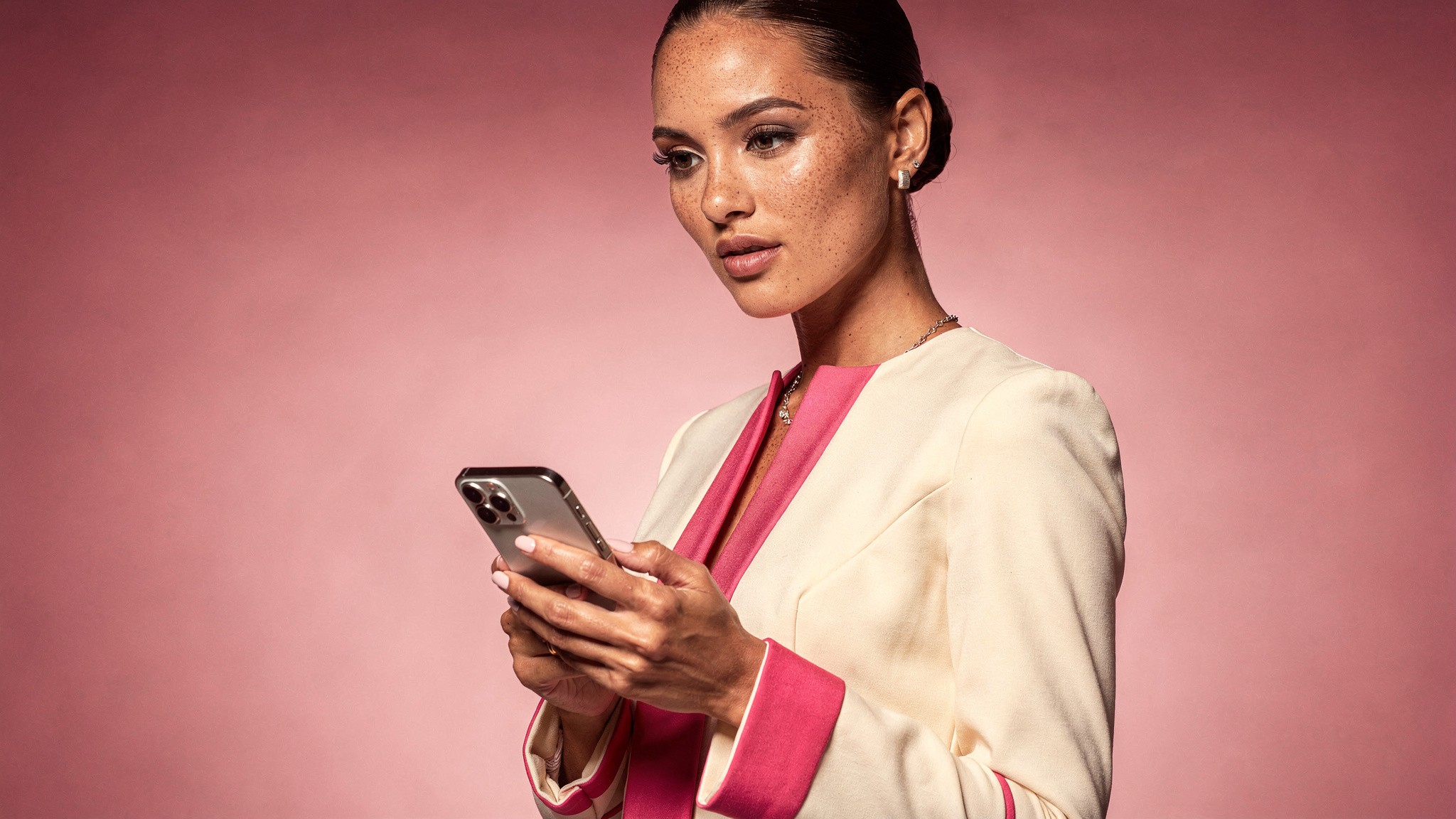
Most "bad" AI photos of yourself trace back to a handful of fixable mistakes.
Using a generic generator and expecting likeness. The most common mistake, and the root of most disappointment. If the tool is not built around your specific face, it will not look like you.
Feeding in poor source photos. Blurry, dark, or heavily filtered source images produce a weak twin. Garbage in, garbage out applies completely here.
Over-prompting for drama. Extreme lighting, wild poses, and busy scenes are where artifacts hide. Natural, well-lit setups produce the most believable results.
Posting the first batch without curating. Generation is fast, so there is no excuse for posting a borderline frame. Curate hard.
Ignoring consistency. Twenty AI photos of yourself in twenty different visual worlds looks scattered. Pick a look and hold it.
Not being transparent when it matters. For most lifestyle and creative content, AI photos of yourself need no disclaimer. But if the context is one where authenticity is the point, be upfront. Platforms are also rolling out AI-content labels, so using them where relevant keeps you compliant. It costs you nothing and protects your credibility.
Getting started
The on-ramp is short. Pull together a handful of clear, well-lit photos of yourself from your camera roll. Build your AI twin, which takes under ten minutes including the upload. Generate a first batch, curate the keepers, and you have AI photos of yourself that you would actually post. From there it is just a matter of building a library and finding the looks that work for you.
The era of "AI photos of me that look like a stranger" is over. The tools that get likeness right exist. The only real decision is using one built for it.
Foxy AI is the leading AI content tool built for creators. Build your AI twin in under 10 minutes from a few photos you already have, then generate as many ultra-realistic photos and videos of yourself as you want. Used by over 11,000 paying creators, with plans from less than $1 a day.
Frequently asked questions
Can AI photos actually look exactly like me?
Yes, if you use a tool built for likeness rather than a generic generator. An AI twin is a model built from your own photos, so every image starts from your specific face. The result can be indistinguishable from a real photo of you.
Why do AI photos of me look like someone else?
Because most AI image generators are built to produce a convincing generic person, not your specific face. They treat your selfies as loose inspiration. The fix is an AI twin that is built around your actual likeness.
How many photos do I need to make an AI version of myself?
Just a few clear, varied, well-lit photos is enough to start. You do not need a professional shoot. Variety in angle and expression helps the model learn what is constant about your face.
How long does it take to set up?
Usually under 10 minutes, including the upload step. The system does significant processing behind the scenes to get the quality right, but the part you do is quick.
What can I do with AI photos of myself?
Generate yourself in any outfit, setting, or scenario without a shoot. Creators use it for a consistent posting cadence, professionals use it for profile photos, and businesses use it for on-brand marketing imagery. The same setup also generates AI video.
Do AI photos of myself look fake?
They should not, if the source photos are good and you curate the results. The 2026 generation of models handles realism well. The thing to watch is likeness, which is why a twin-based tool matters, and small details like hands, which is why curation matters.
Is it safe to upload my photos to make an AI twin?
Use a reputable platform and review its terms before uploading. The photos are used to build a model of your likeness so you can generate images of yourself. Treat it like any account where you store personal photos.
How much does it cost to make AI photos of yourself?
Plans start at $29 a month, with most creators spending around $50, which is far less than a single photo shoot. Compared to booking a photographer, location, and styling, it is a fraction of the cost.
Should I tell people my photos are AI-generated?
For most lifestyle, fashion, and creative content, AI photos of yourself need no disclaimer. In contexts where authenticity is the explicit point, be upfront. Transparency costs nothing and protects your credibility.
Can I make AI videos of myself too, or just photos?
Both. A single AI twin powers photos and videos, so one setup covers the formats you need for social media. Video is increasingly non-negotiable for reach, so this matters.
Related guides
About the author
Mia Torres is a content strategist who writes about platform growth and content systems for the Foxy AI Academy. She covers what's actually working on Instagram, TikTok, and YouTube for creators scaling their output.
By
Mia Torres
Content Strategist, Foxy AI Academy
Mia Torres is a content strategist who writes about platform growth and content systems for the Foxy AI Academy. She covers what's actually working on Instagram, TikTok, and YouTube for creators scaling their output.